
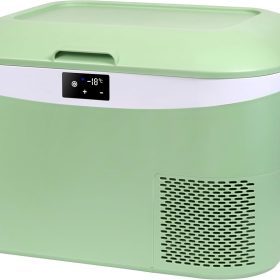
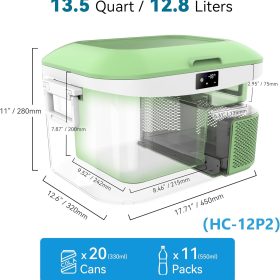

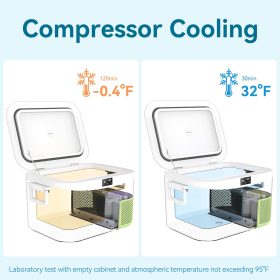
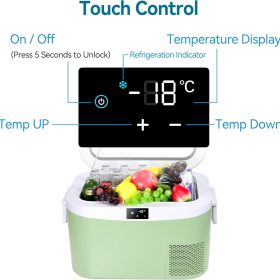
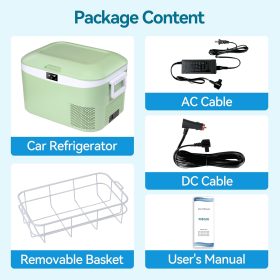
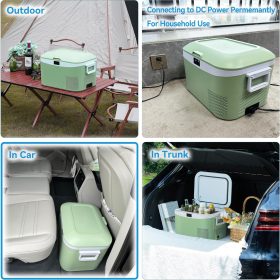
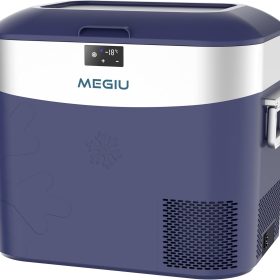

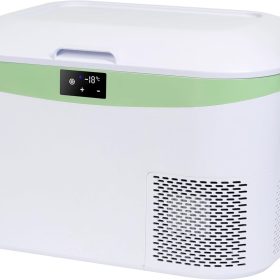



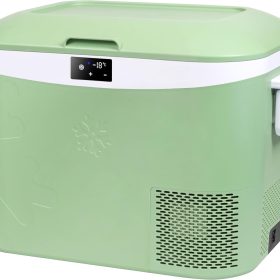
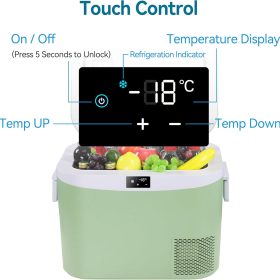
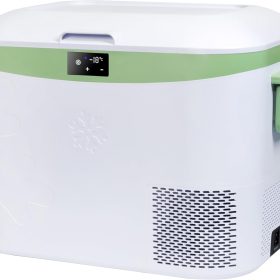


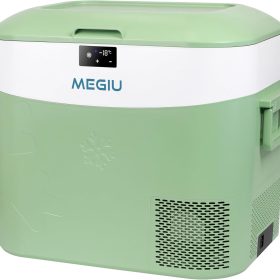


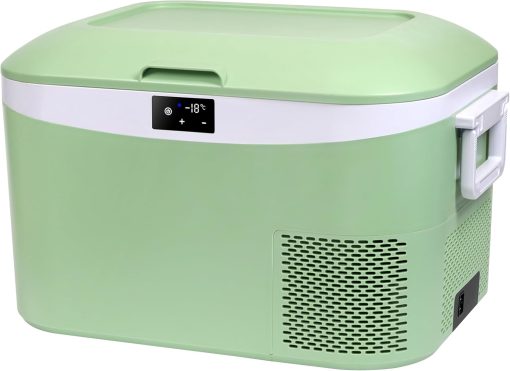
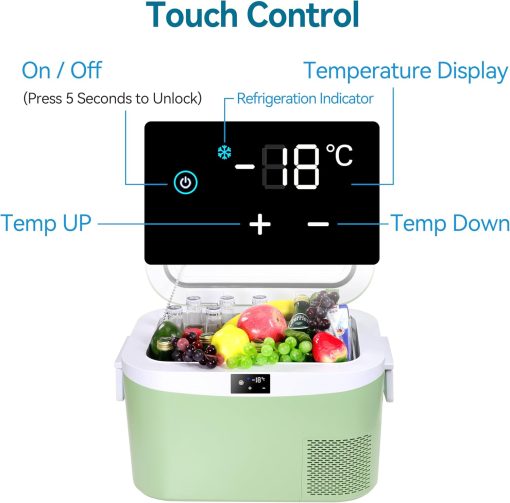
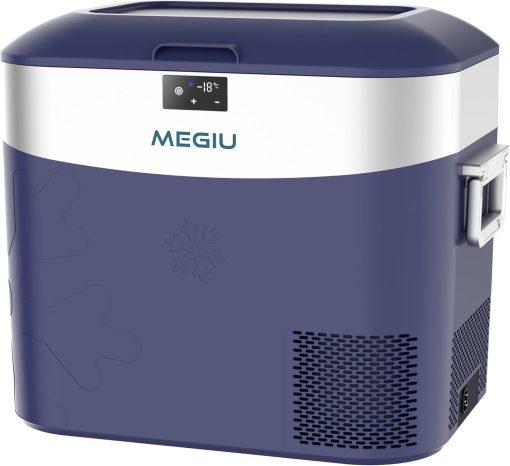

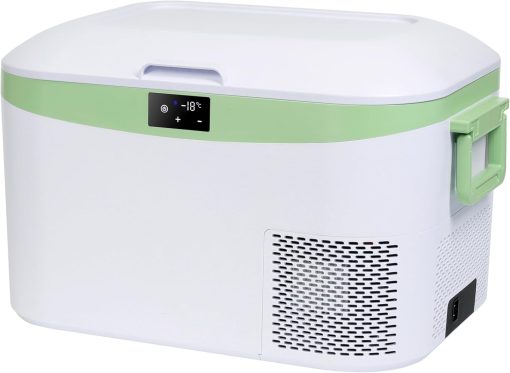


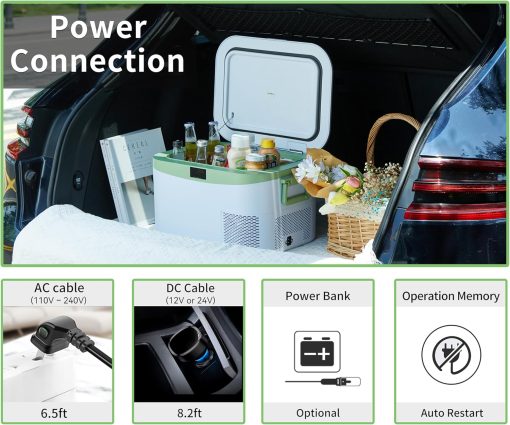
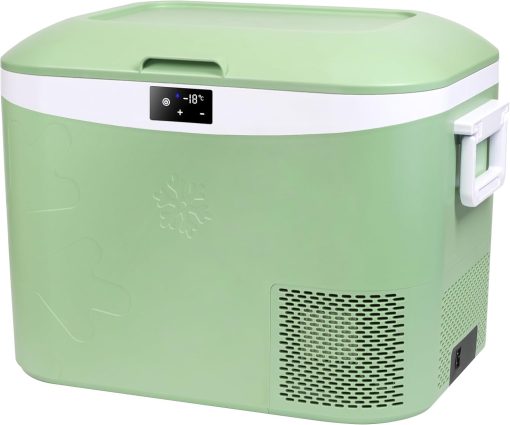
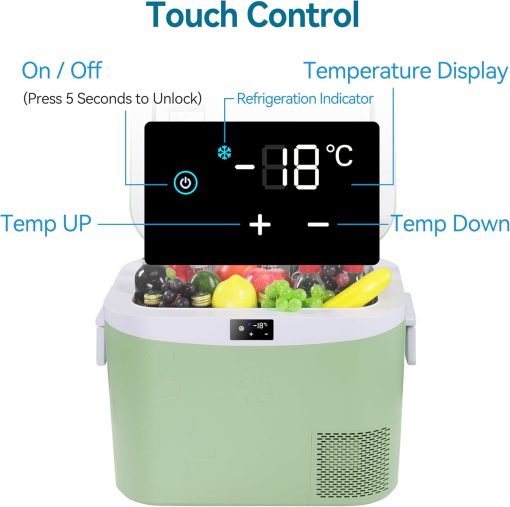
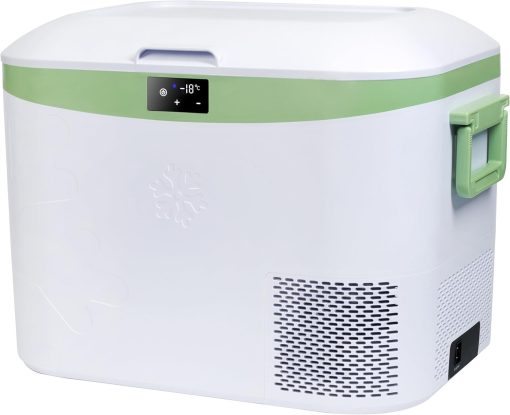

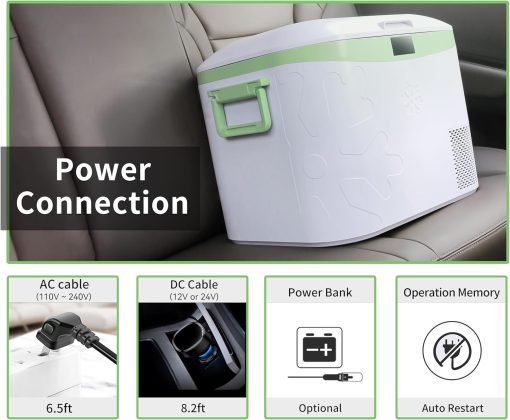
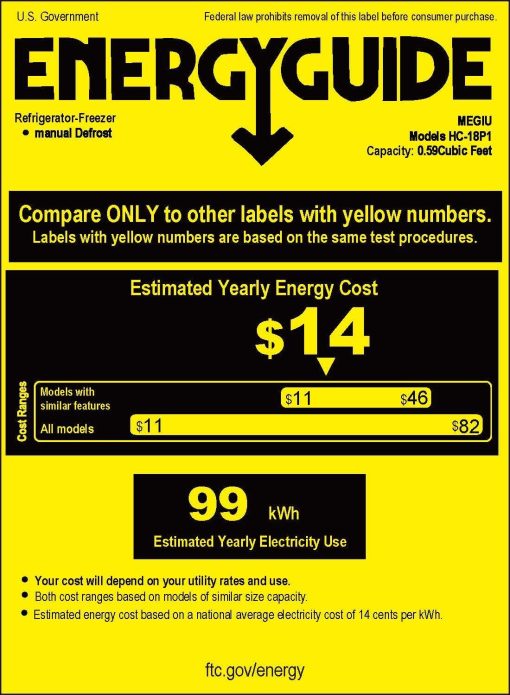
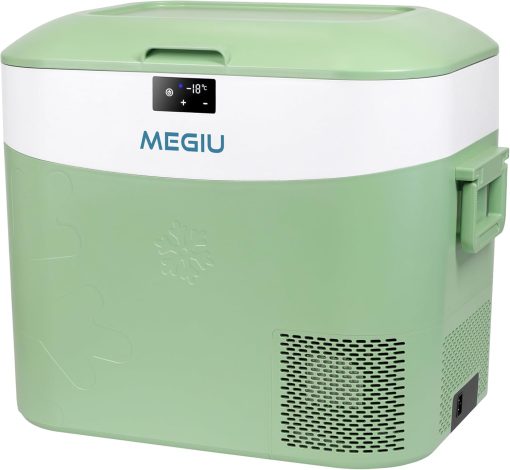
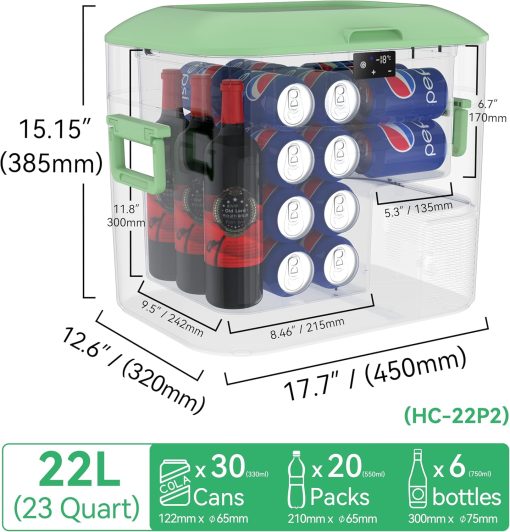




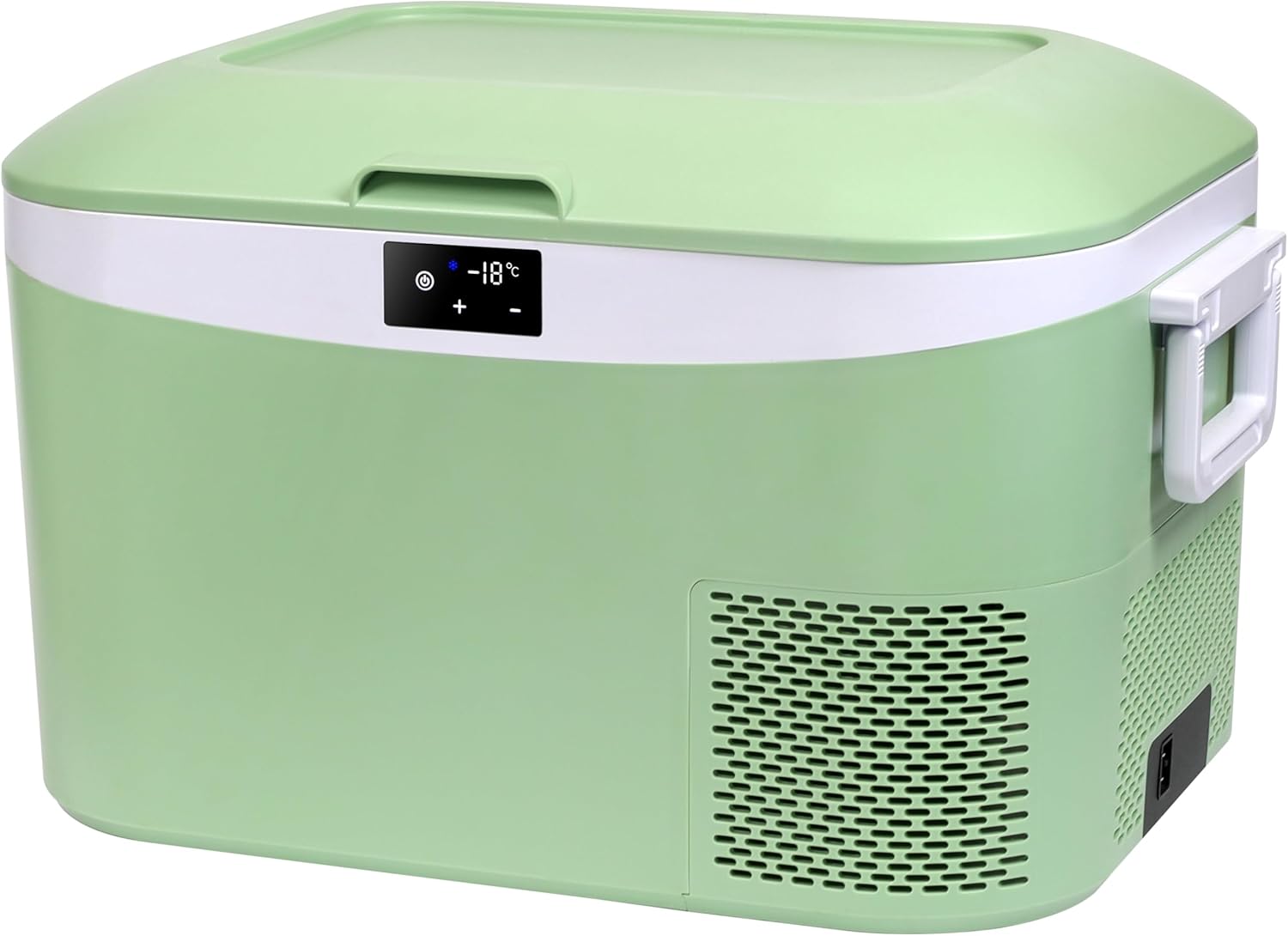
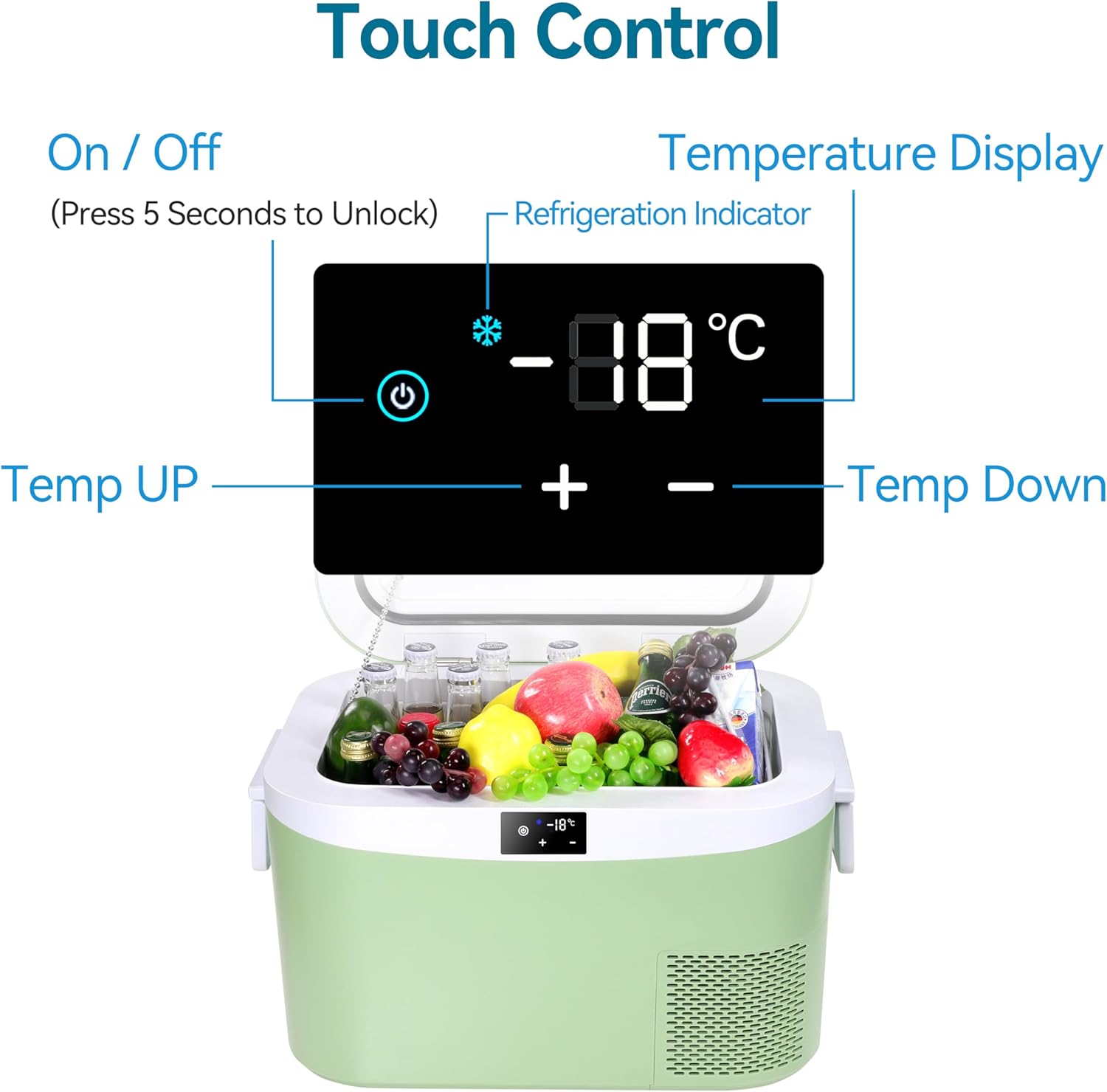
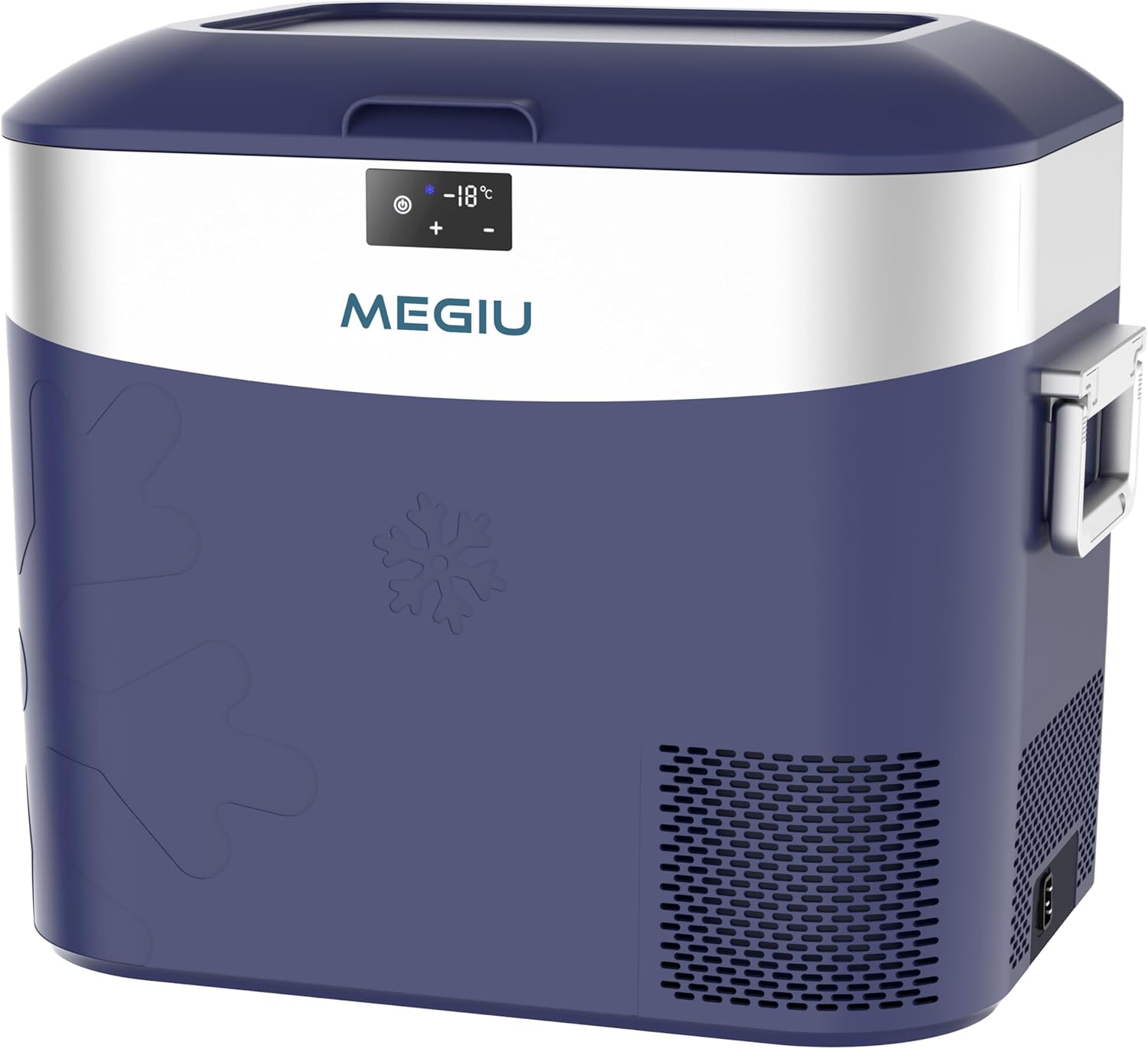
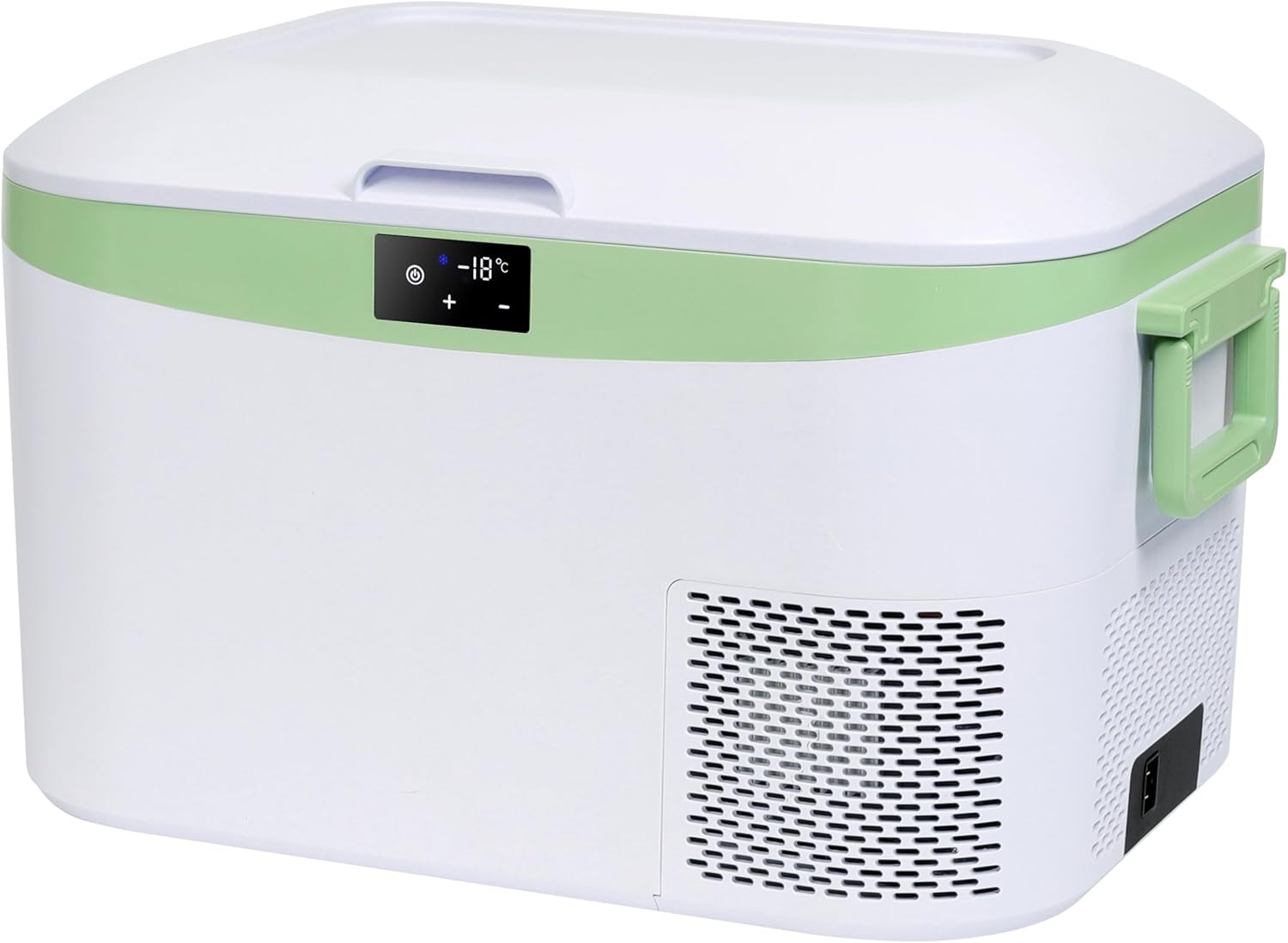
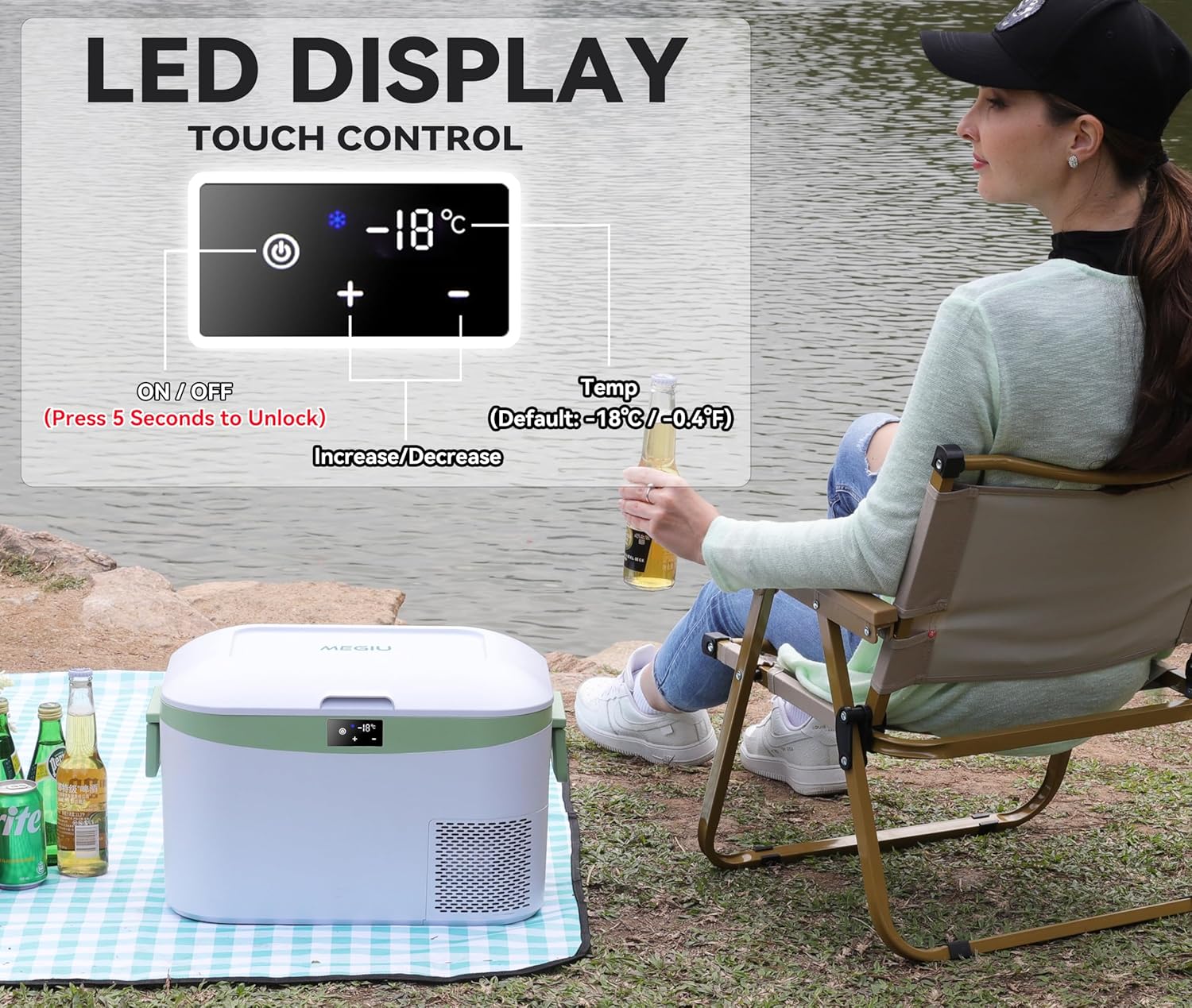
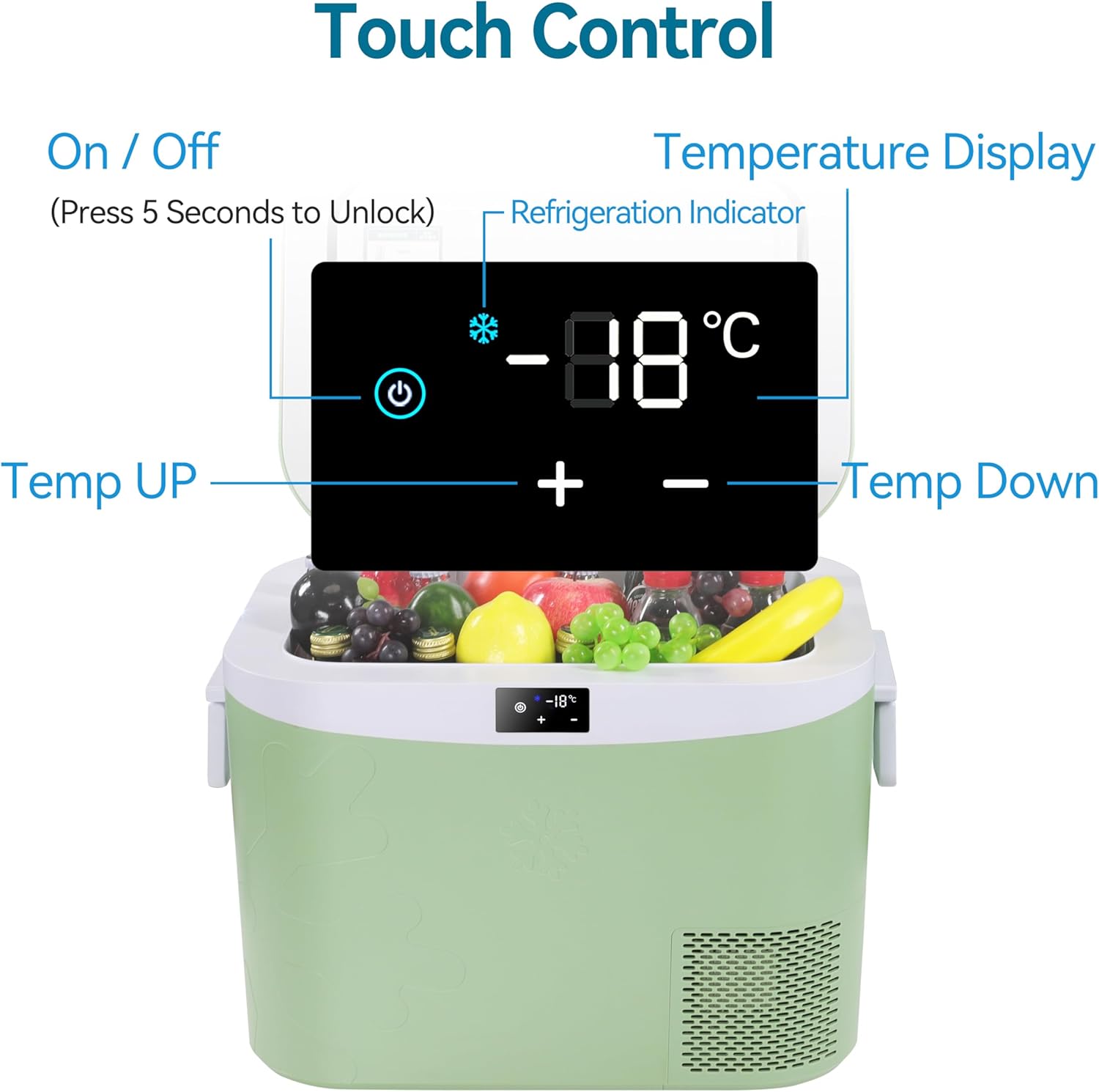
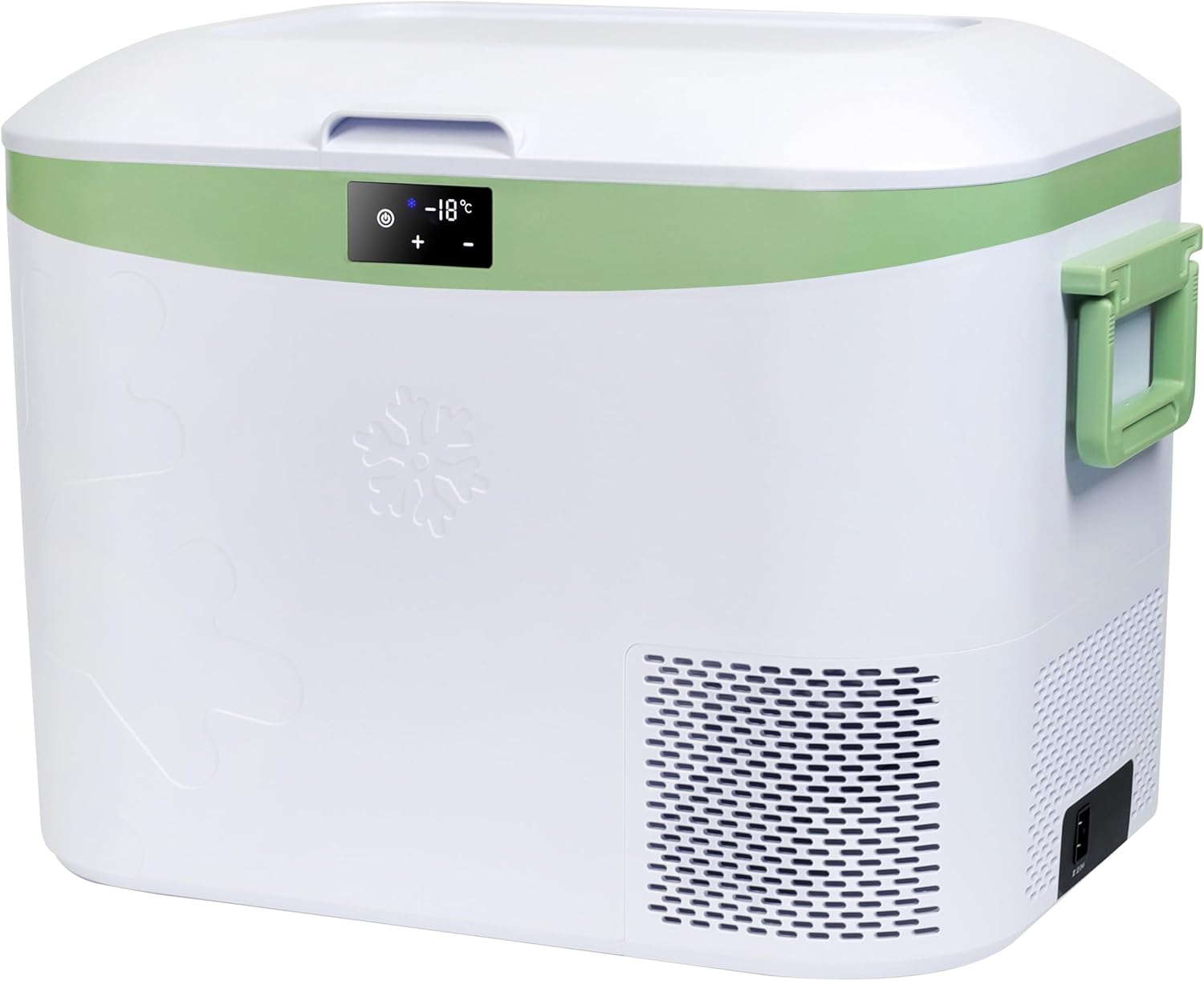
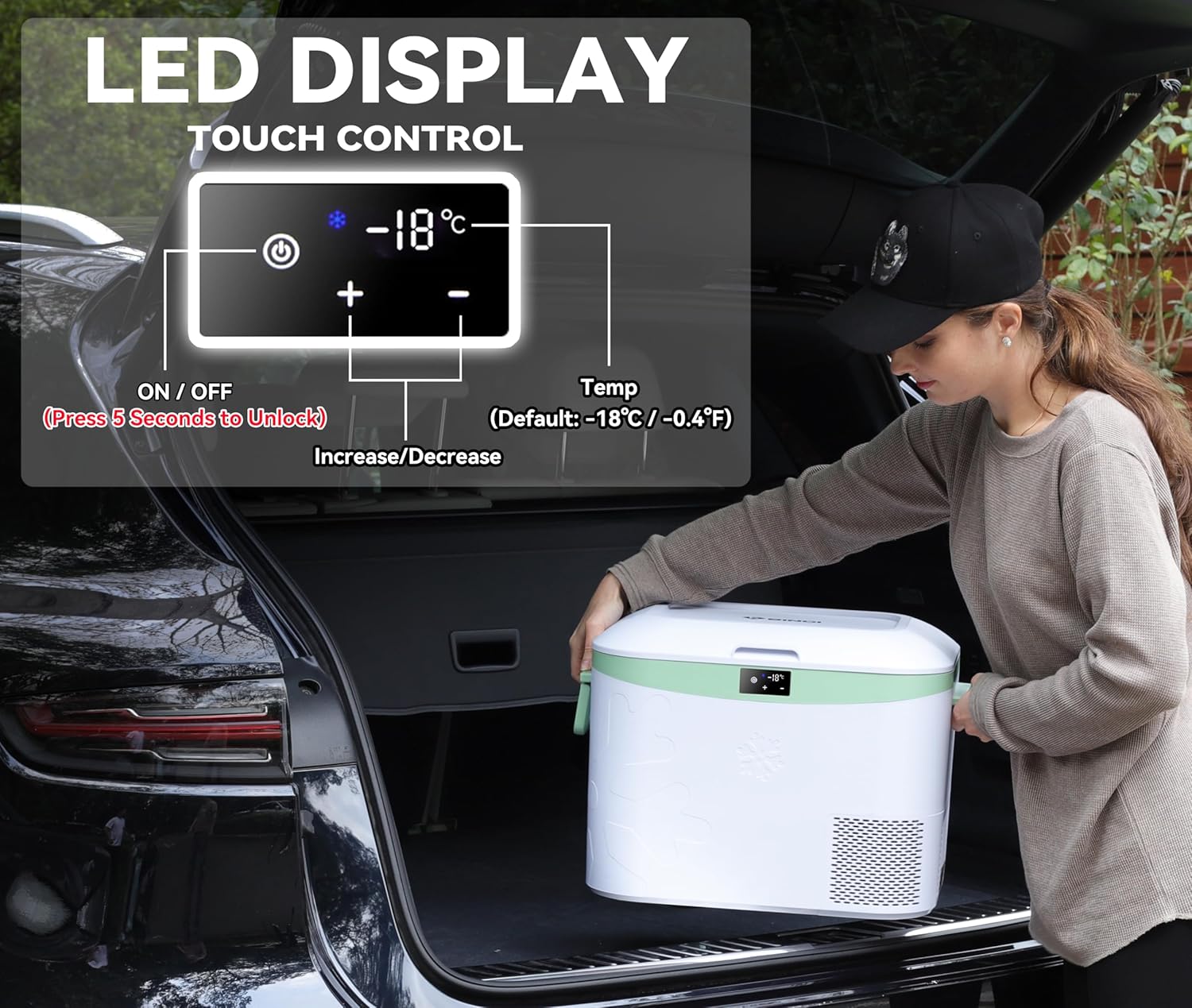
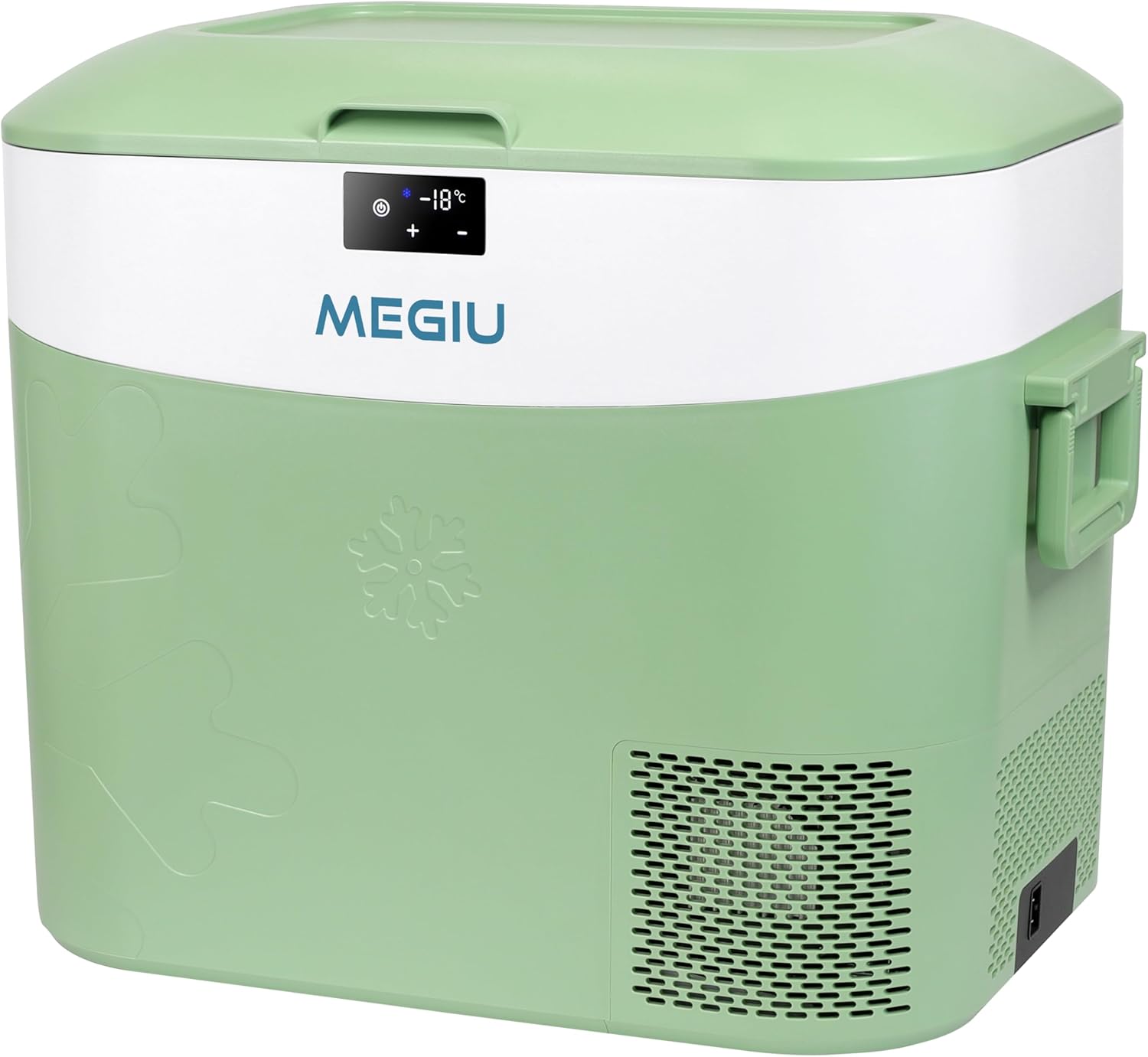
Start the refrigerator: press and hold the ‘Power’ button for 5 seconds until the ‘+’ and ‘-‘ buttons for temperature settings light up. This indicates the refrigerator is on. (Press and hold the ‘Power’ button for another 5 seconds to turn it off)

Set the temperature: When powered on, use the ‘+’ and ‘-‘ buttons to adjust the cooling temperature; the screen numbers will flash. If no action is taken within 3 seconds, the display stops flashing and shows the current internal temperature of the cooling compartment.

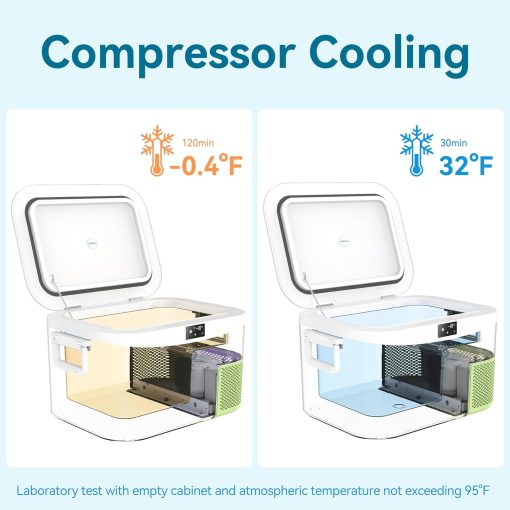
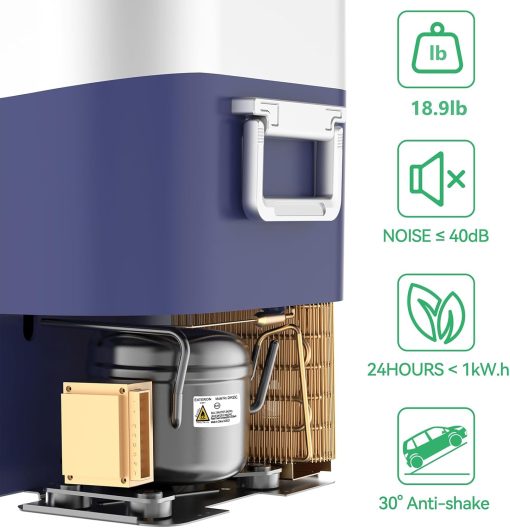
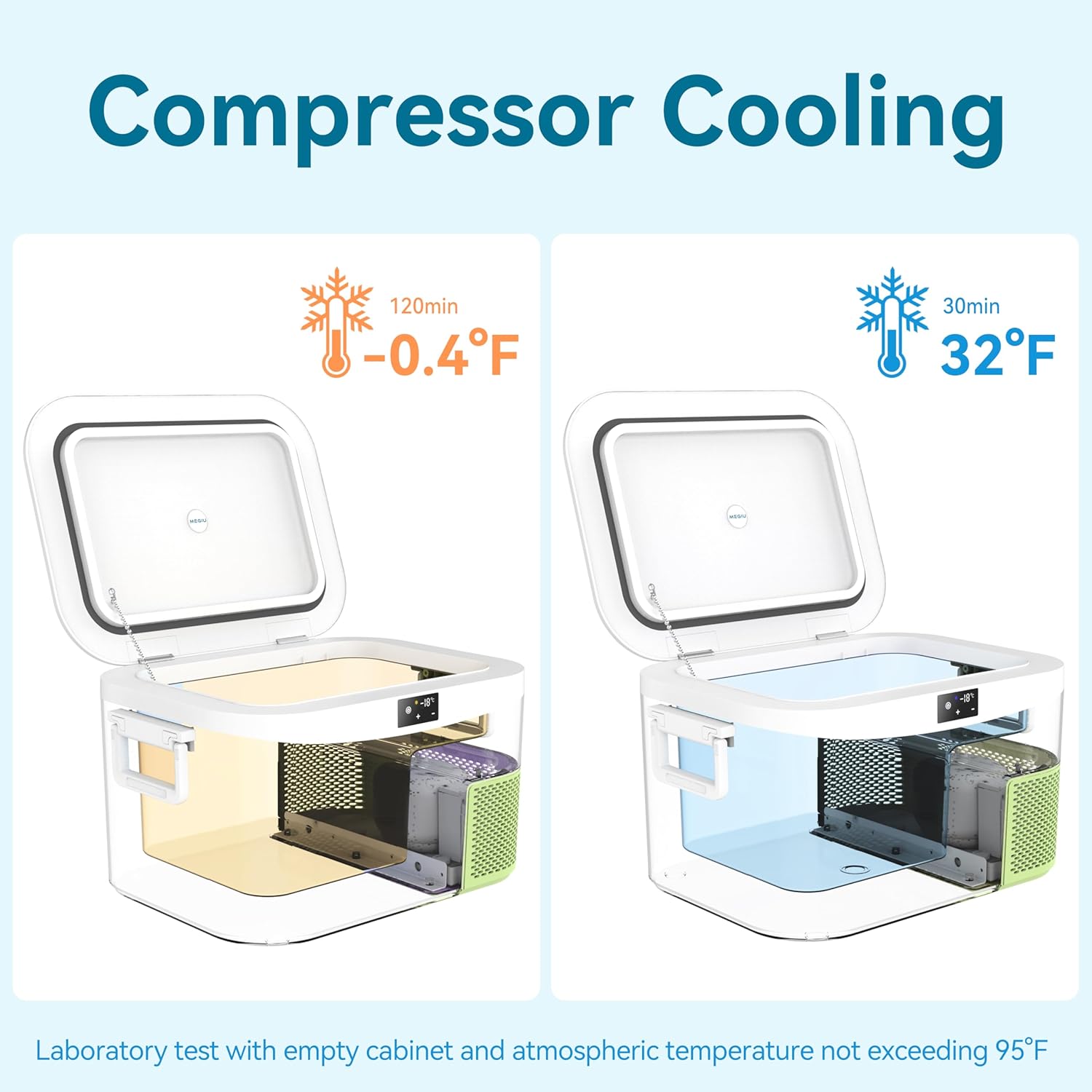
Start the cooling process: The cooling box starts the cooling process about 3 minutes after setting. After the cooling process starts, you will feel a slight vibration in the device, which is completely normal and indicates that the cooling box is working properly.












Reviews
There are no reviews yet.